
Documentation
How to use AetherFetch
Create an address, check your inbox and return to it later. This guide follows the current AetherFetch interface.
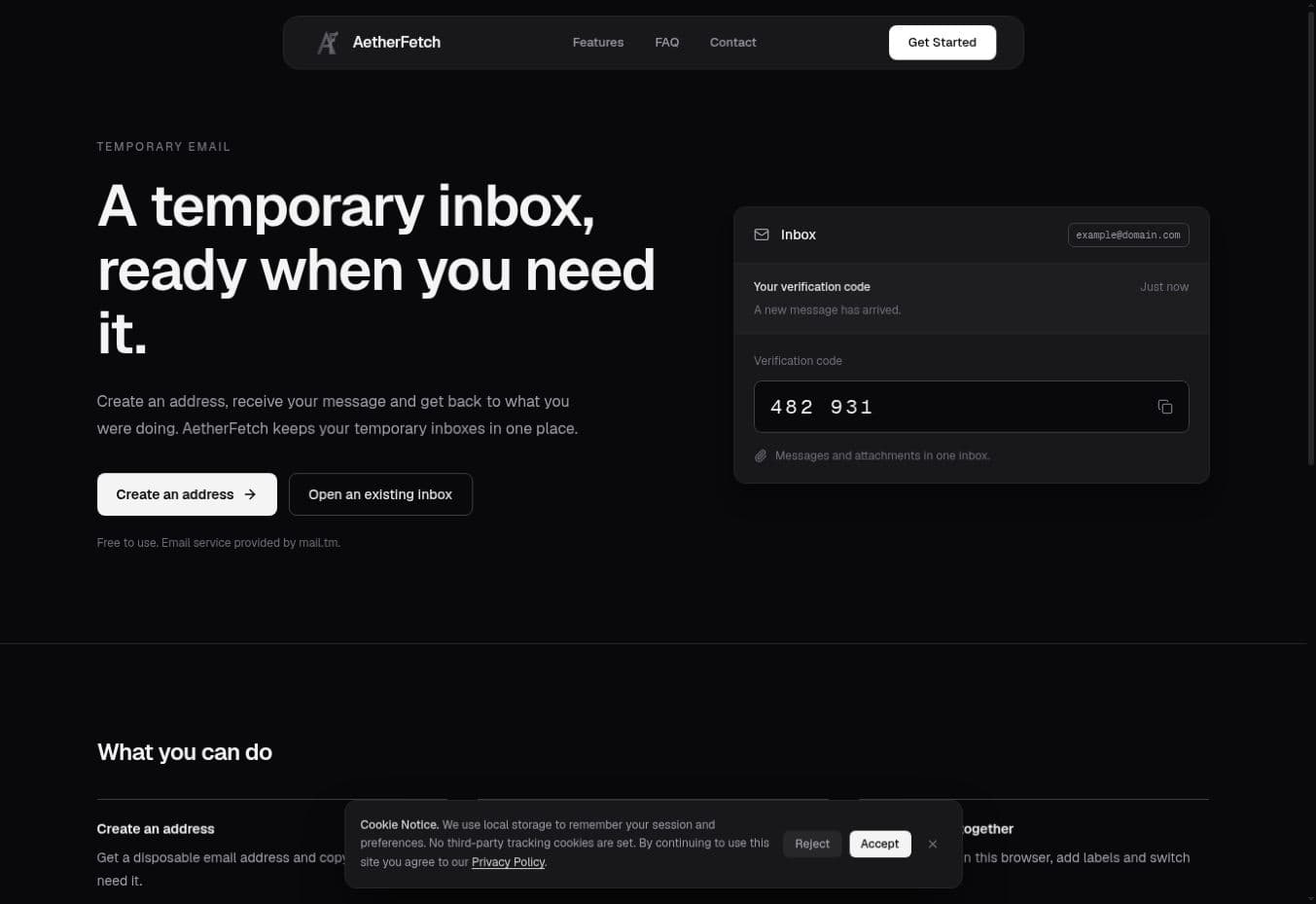
Get an addressStart on the home page
Choose Create an address for a new inbox, or Open an existing inbox if you already have an address.
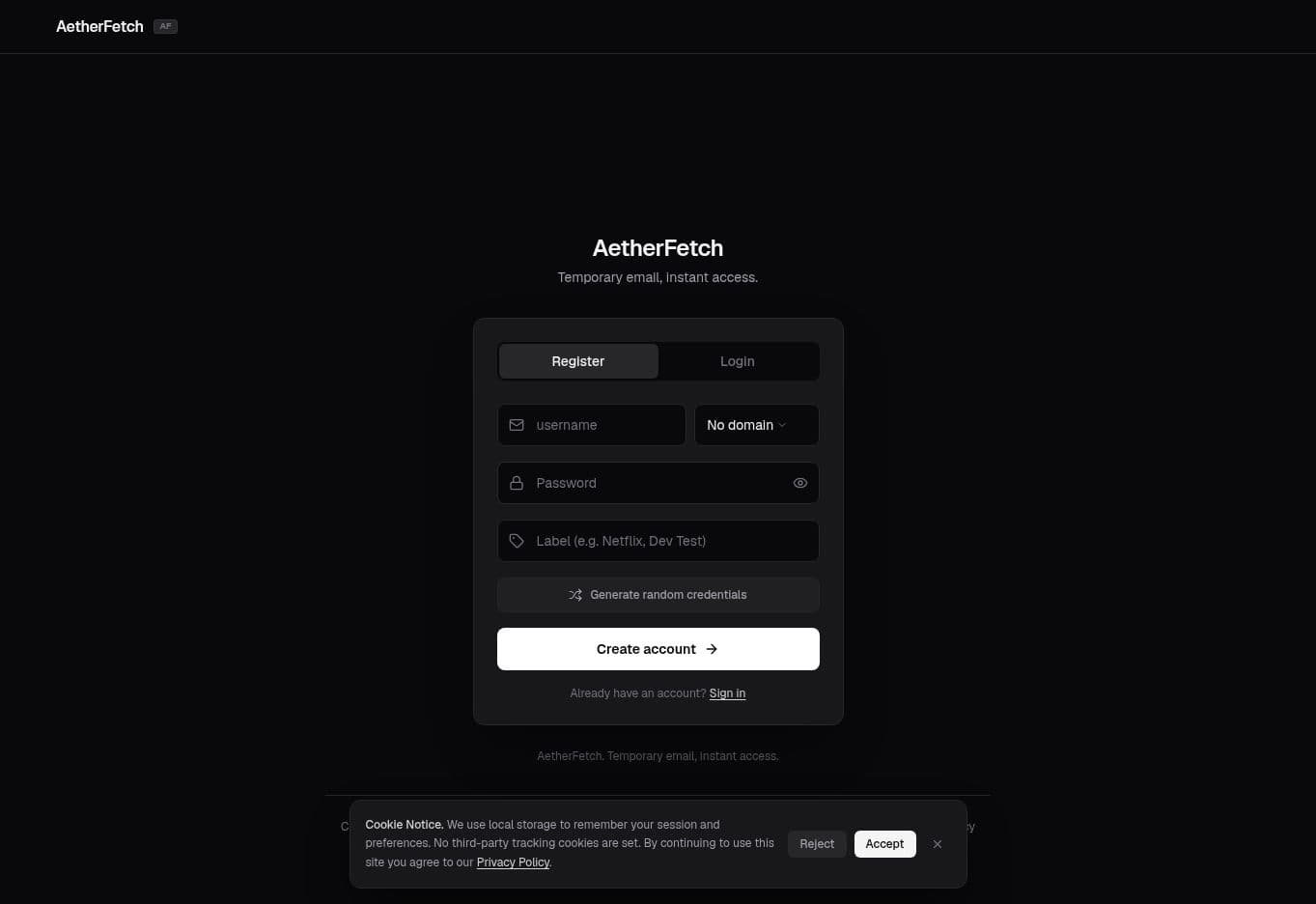
Create an address
On the Register screen, enter a username and select an available domain. Set a password and, if you want, a label. You can also use Generate random credentials. Then select Create account.
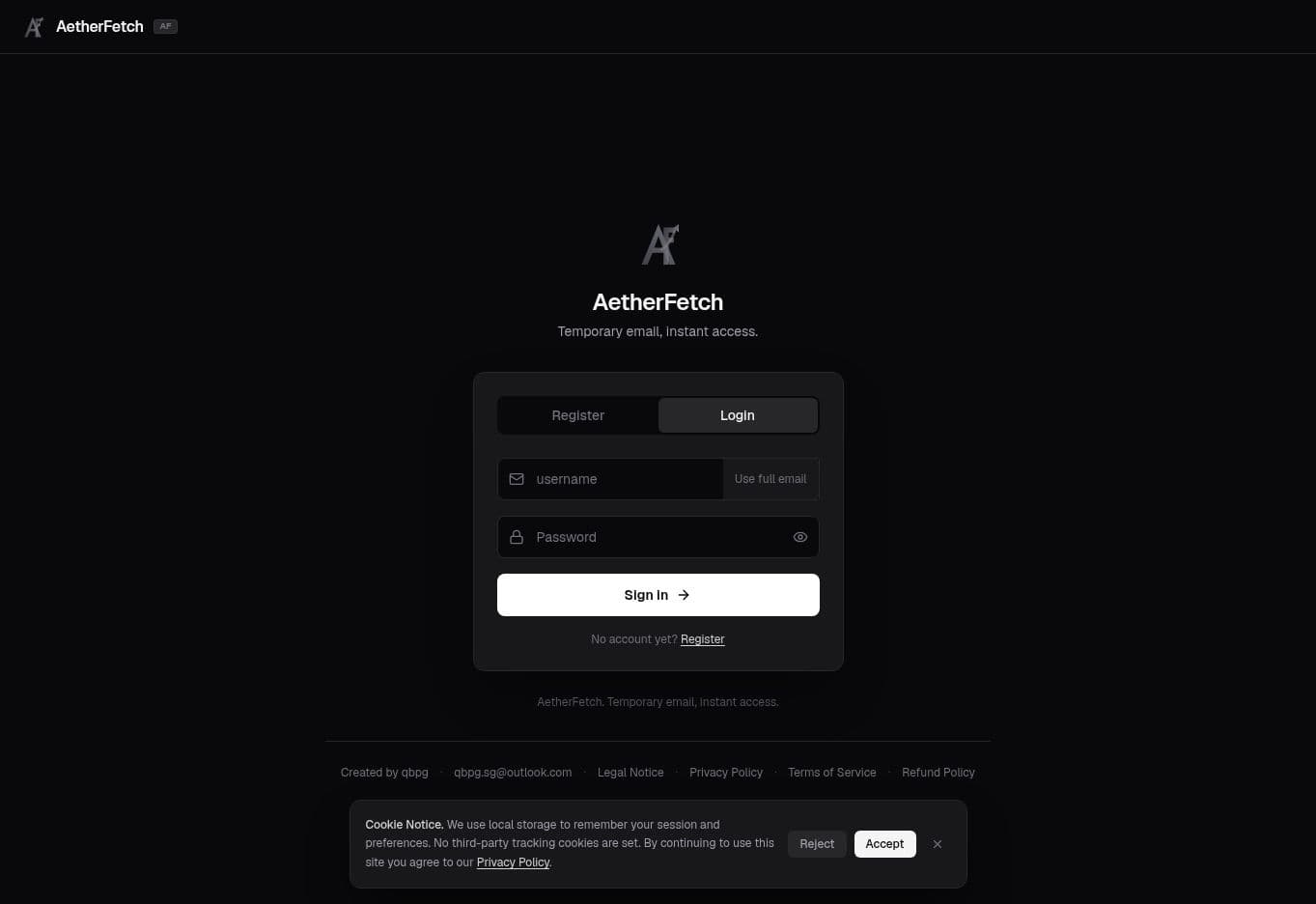
Sign in later
Use the full email address and its password on the Login screen to reopen an existing inbox. Keep these details somewhere safe if you need the address again.
Use the dashboard
Once signed in, your email address appears at the top. Copy it and paste it wherever you want to receive a message. On mobile, use the visible Copy email button. Incoming messages appear in the inbox; select one to read it. Use Refresh if you are waiting for a message.
Copy address
Tap Copy email, or press C on desktop.
Read messages
Open a message to view its contents and verification code.
Refresh inbox
Refresh manually if a message has not arrived yet.
Switch between accounts
Open Accounts to see addresses saved in this browser. Select one to switch inboxes, use a label to recognize it later, or create another address from the dashboard.